
Changelog
A companion for your project’s update rhythm
Meet six original time-of-day companions, from Midnight Moth to Night Owl. Each project discovers its own companion in Your writing after you log updates on at least three different days.
- Midnight Moth12 am–4 am
- Dawn Lark4 am–8 am
- Morning Bee8 am–12 pm
- Midday Flamingo12 pm–4 pm
- Twilight Fox4 pm–8 pm
- Night Owl8 pm–12 am
Your companion reflects when you log updates in their recorded local time zones. It can change as your pattern changes; tied patterns have no single companion. It describes update times, not when you wrote.
Give your project a book cover
Create a cover with your own title, symbol and colors, or upload an image. The custom book artwork has a cloth texture, shaped spine and visible page edges. Saved covers now appear larger and slightly tilted in your project list.

Know what to write today
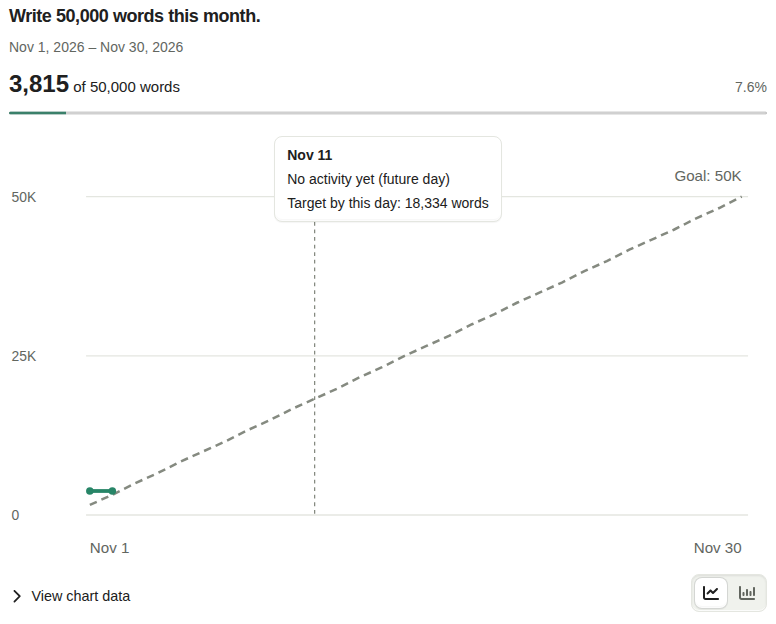
Your goal now shows the scheduled total through today, how much is left to get on schedule, and the daily pace needed from tomorrow. Catch-up targets account for days when you fell behind.
Hover, tap or use the keyboard to inspect a chart day and its target. Your Line or Bar choice is saved to your account and reused across charts and reloads.
More room for your writer profile
Add optional profile details and upload a profile image. Project information also supports a cover and excerpt, so accepted friends can learn more about the work you choose to share.
See your friends’ projects and progress
Existing and new projects, goals and progress charts are now visible to accepted friends by default. Project sharing lets you change that visibility. Session details, private notes and manuscript-length measurements stay private.
Shared project pages group progress more clearly and keep successful content visible when a refresh fails.
Make a badge for a friend
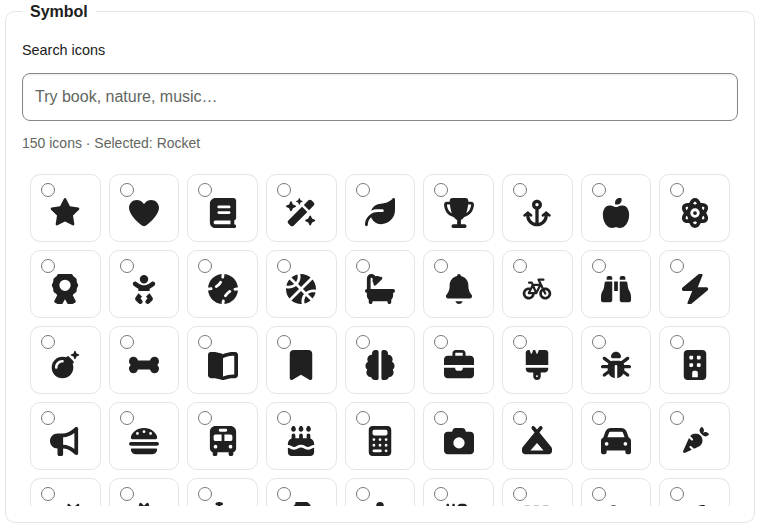
Design and send personal badges with 150 searchable symbols and twelve color families. The preview stays in view as you edit, with larger artwork and automatic foreground contrast. You can also choose white, charcoal or a darker tone of the background.
Find and invite writing friends
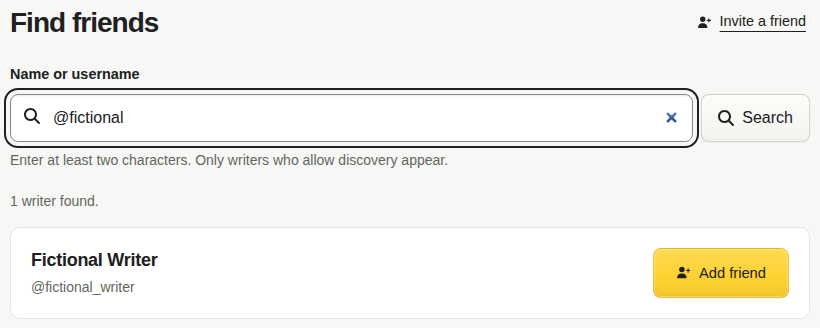
Search for writers by name or username, send a friend request, or invite someone with a link. Requests and invitations have their own places to review status. Writers are searchable by default, with visibility controls in Friend settings.
Invitation links preserve your signed-in session, and copying a link includes a manual-copy fallback.
Paste text to count your words
Paste writing into the session form to calculate its word count, then use or add that count. The pasted text stays in your browser; saving records the count, not the text.
A calmer, smoother writing workspace
Internal navigation keeps the app shell in place. Project overviews lead with your goal chart, and Record activity sits in Your writing. Compact animated controls, clearer menus and consistent action icons make the workspace easier to scan.